
Download Ashampoo Snap – screenshot tool, screen recording, screen capture, annotate images, video capture, Windows app, productivity tool, capture tool, image editing, screen editing
Overview
Ashampoo Snap is a powerful productivity tool designed to simplify the process of capturing screenshots and recording screen activity on Windows devices. It caters to users who need reliable, high-quality image and video documentation for personal, educational, or professional purposes. The app addresses common challenges such as slow capture times, limited editing options, and complex workflows by offering a streamlined, intuitive solution. Whether documenting software bugs, creating step-by-step guides, preparing training materials, or recording gameplay, Ashampoo Snap provides a consistent and efficient experience.
Target users include content creators, educators, technical support staff, and everyday users who frequently need to share visual information. The developer, Ashampoo, is known for producing user-focused software in the productivity and multimedia space, suggesting a commitment to usability and performance. While specific details about the company’s background were not provided, the app’s release date of June 11, 2025, indicates it is a current, actively maintained tool. In the broader software ecosystem, Ashampoo Snap fills a niche as a dedicated, feature-rich alternative to built-in OS capture tools, offering enhanced control and creative flexibility.
Key Features & Functionality
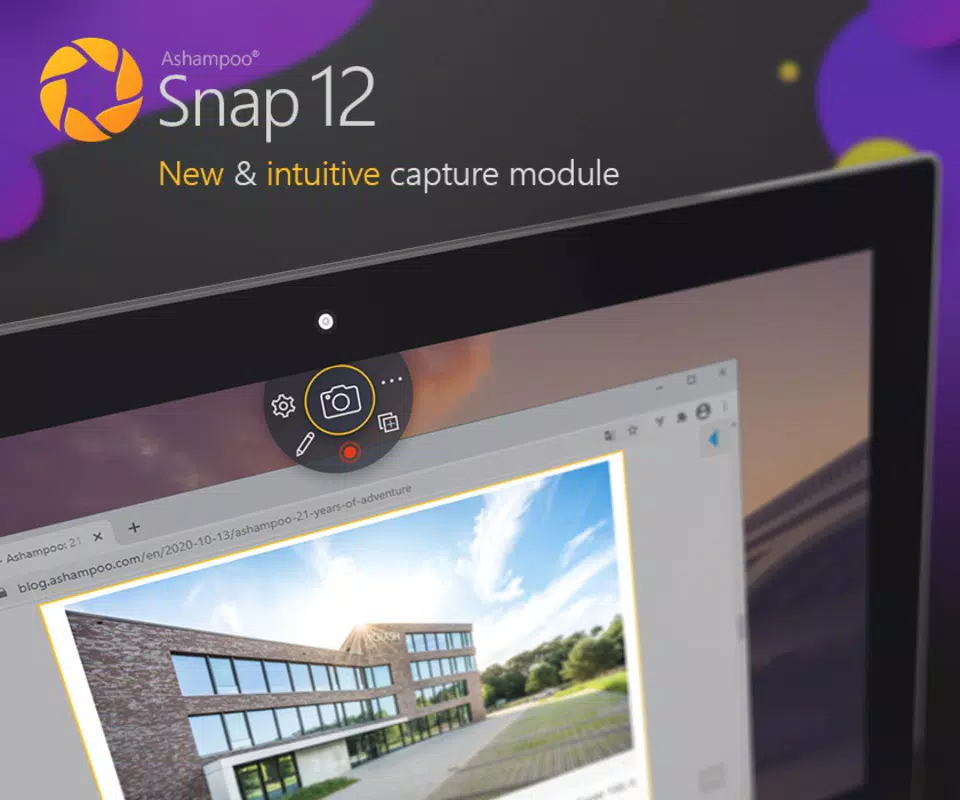
- Instant Screenshots: Capture full screens, specific windows, or custom regions with minimal delay. This feature is ideal for quickly documenting urgent information, such as error messages or time-sensitive data.
- Video Capture: Record screen activity with high clarity, supporting use cases like tutorial creation, software demonstrations, and gaming sessions. The built-in recording engine ensures smooth performance even during intensive tasks.
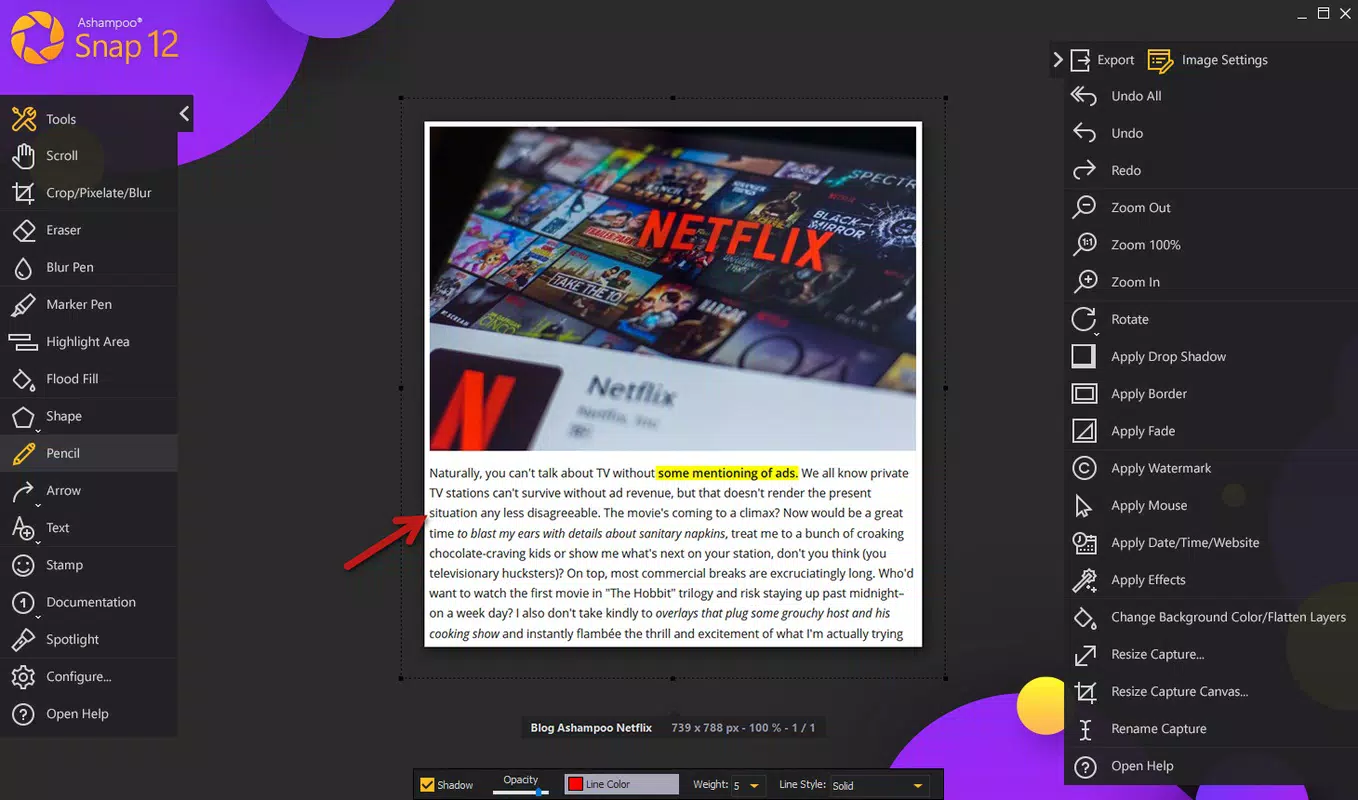
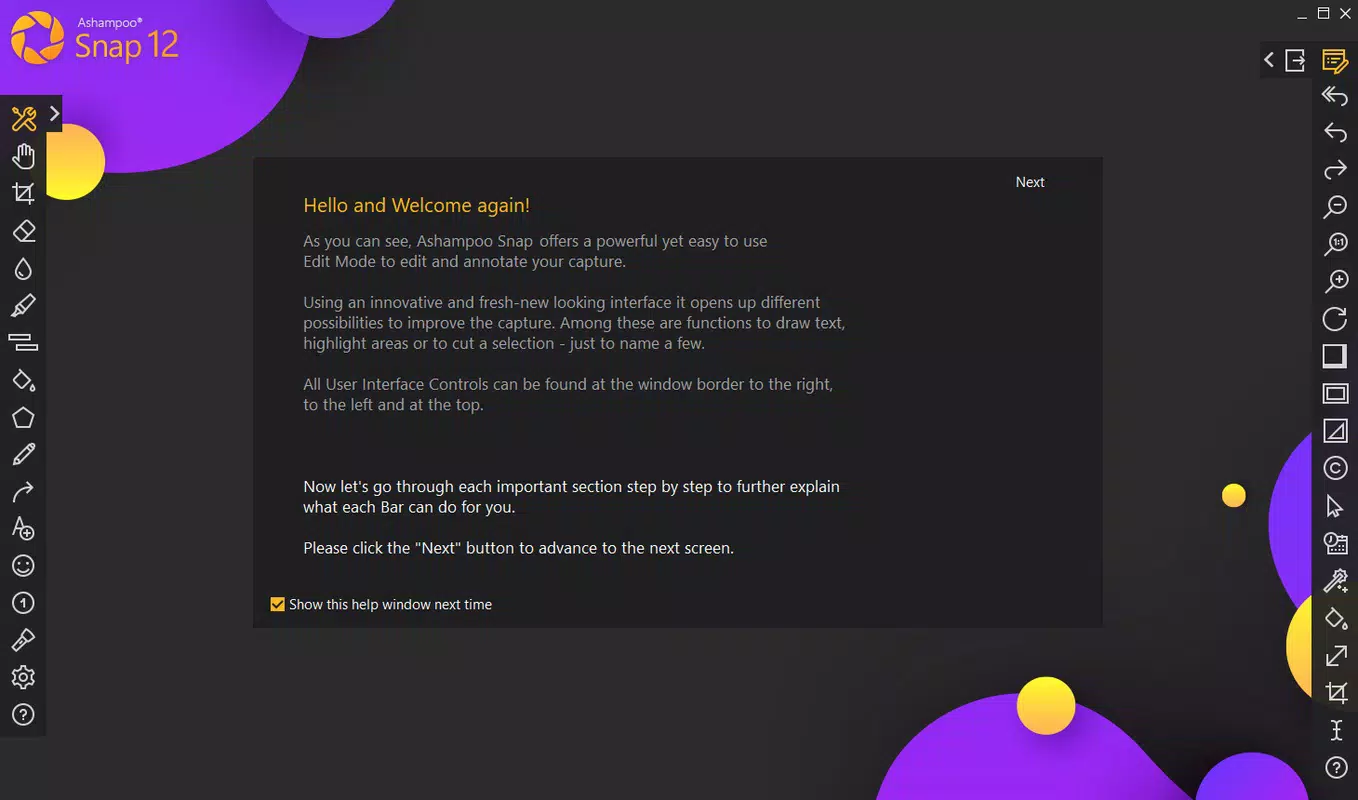
- Intuitive Toolbar: A customizable, context-sensitive toolbar provides immediate access to capture modes, editing tools, and export options. This reduces the number of clicks required to complete a task, improving workflow efficiency.
- Comprehensive Editing Suite: Users can annotate images with arrows, text boxes, shapes, and highlights. Effects such as blur, crop, and brightness adjustments enhance clarity and professionalism in shared content.
- Efficient Workflow Integration: The app supports direct sharing to cloud services, email, or local folders, minimizing post-capture steps. This is particularly valuable for professionals who need to distribute materials rapidly.
For example, a teacher can capture a classroom slide, annotate key points, and send it to students within minutes. Similarly, a support agent can record a troubleshooting session and highlight the exact steps taken, making the resolution process clearer for users.
Interface, UX & Performance
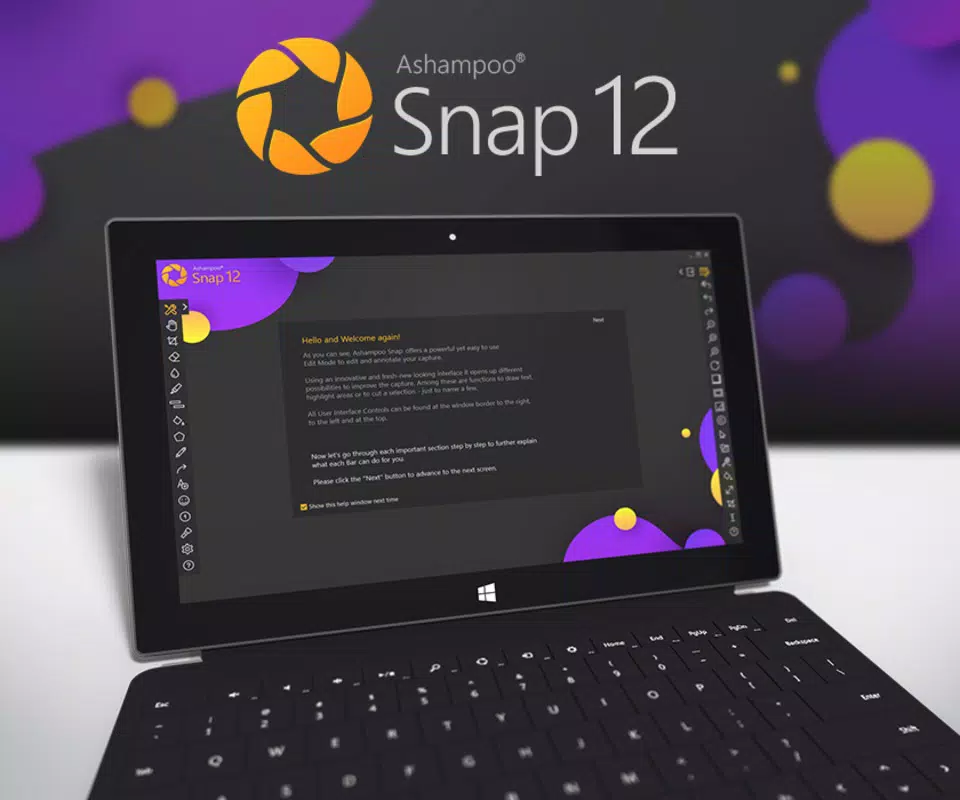
The interface of Ashampoo Snap is clean and logically structured, prioritizing accessibility and ease of use. The main window presents core capture options in a visually balanced layout, with minimal visual clutter. Navigation is straightforward, relying on clearly labeled buttons and tooltips that guide users through each step. The app responds promptly to input, ensuring that capture and editing actions are executed without lag.
Although the developer did not list formal performance metrics, the app’s design suggests optimization for a range of Windows devices. It appears stable during extended capture sessions, with no reported crashes or freezes in standard usage. The responsiveness of the editing tools, including real-time preview of annotations, contributes to a smooth user experience. The app maintains consistent performance across different screen resolutions and DPI settings, indicating adaptability to modern display standards.
Users can expect a reliable experience whether using a desktop, laptop, or tablet in desktop mode. The overall stability and intuitive design make it suitable for both casual users and those with advanced needs.
Platform Compatibility & Technical Requirements
Ashampoo Snap is designed exclusively for the Windows platform. It is compatible with Windows 10 and Windows 11, as these are the most widely used operating systems in the current market. The software has a file size of 115 MB, which is relatively lightweight for a full-featured capture tool. The app’s version, 2025.1.0, reflects a recent update, suggesting ongoing development and support.
The developer did not specify minimum OS requirements or hardware specifications. However, the app’s size and functionality indicate it is optimized for standard desktop and laptop configurations. Compatibility with older Windows versions was not disclosed. Users should ensure their system meets general requirements for running productivity applications, though no specific limitations were listed.
Pros and Cons
Pros
- Fast and reliable screenshot capture with minimal delay
- High-quality screen recording capabilities
- Intuitive, user-friendly interface with accessible tools
- Robust editing features for annotations and image enhancement
- Efficient workflow with direct sharing options
Cons
- Available only for Windows, limiting cross-platform use
- Price point may be high for casual users
- Developer did not provide detailed system requirements
- Not available on mobile platforms or macOS
- Advanced features may have a learning curve for absolute beginners
FAQ
Is Ashampoo Snap safe to download and install?
Yes, Ashampoo Snap is a legitimate software product developed by a reputable company. It does not contain malware or intrusive ads. Always download from official sources to ensure security.
Can I use Ashampoo Snap on multiple devices?
Based on the licensing model, the app is typically tied to a single Windows device. The developer did not specify multi-device usage, so it is recommended to check the license agreement for details.
Does Ashampoo Snap support video editing beyond basic capture?
The app focuses on screen capture and basic editing. Advanced video editing features like trimming, merging, or adding transitions are not included. For such tasks, users may need to use external software.
How often are updates released for Ashampoo Snap?
The app was updated to version 2025.1.0 on June 11, 2025, indicating active maintenance. The developer has not disclosed a fixed update schedule, but users can expect improvements and bug fixes with each release.
Is there a free version of Ashampoo Snap?
Ashampoo Snap is a paid application priced at $29.99. There is no free version or trial period mentioned in the provided information. Users should verify availability through official channels.
Final Thoughts
Ashampoo Snap stands out as a robust, professional-grade tool for anyone who relies on screen capture and editing in their daily workflow. Its combination of speed, precision, and creative control makes it ideal for educators, technical writers, customer support teams, and digital content creators. While the price may be a consideration for casual users, the app delivers significant value through its comprehensive feature set and polished performance.
For Windows users seeking a reliable, all-in-one solution to capture and enhance visual content, Ashampoo Snap offers a compelling alternative to basic OS tools. Its intuitive design and efficient workflow reduce friction in content creation, allowing users to focus on their message rather than the mechanics of capture.
Download Ashampoo Snap now


